
Handling Multilingual Calls with Safina

Speak your customers' language. This guide shows you how to set a primary language for Safina and how automatic language detection and mid-call switching work.

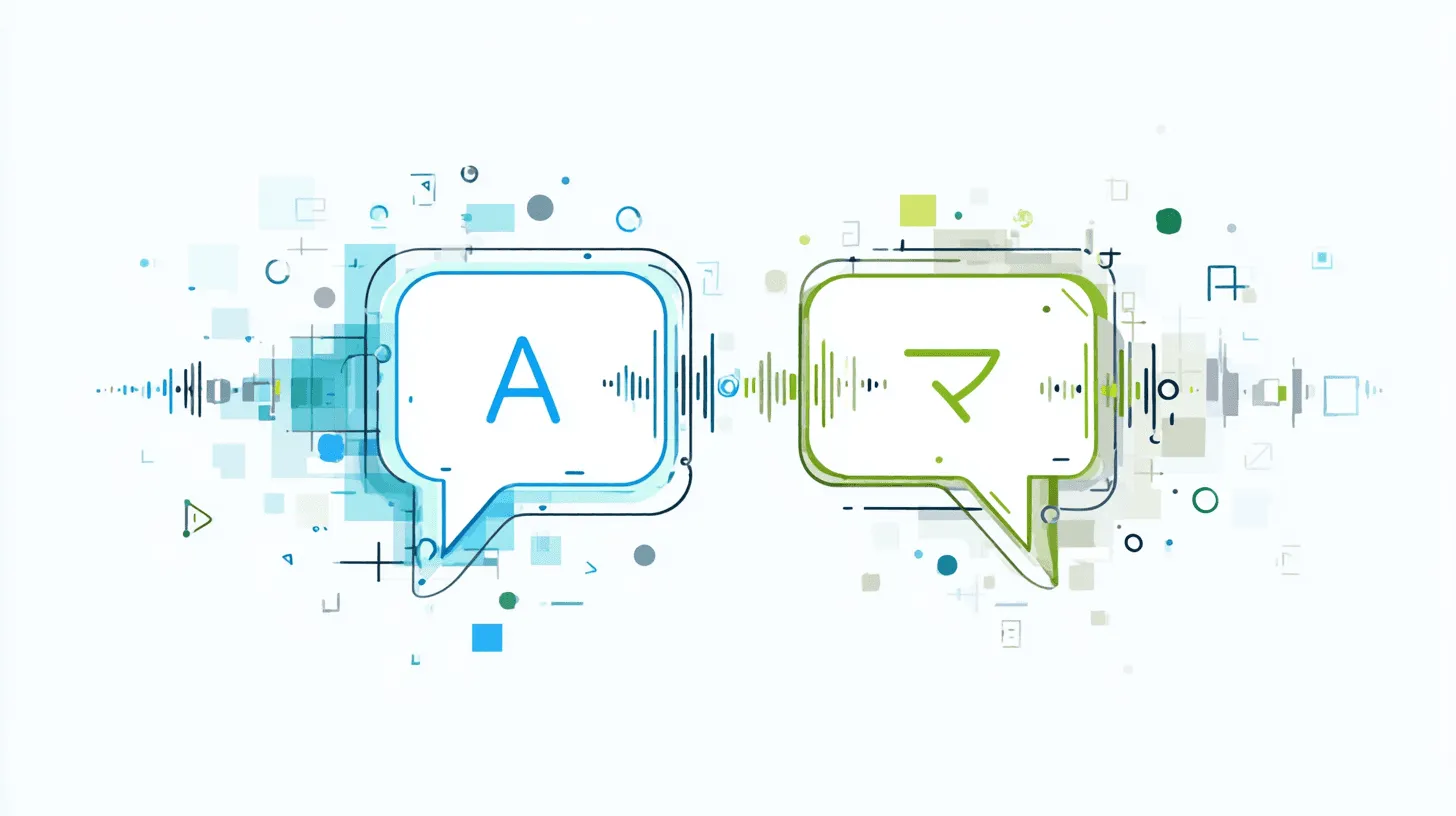
Minimalist vector graphic of two stylized speech bubbles with different language indicators (e.g. 'A' and 'あ') connected by a subtle AI symbol or sound wave, representing real-time language translation on calls. App Feature
Karsten Kreh Karsten Kreh

RequirementDetails
Safina planBasic or higher

If you serve an international customer base, communicating in the caller’s native language is a mark of real professionalism and respect. Safina helps you overcome those language barriers without effort.

Your AI assistant can understand and speak over 30 languages. Here’s how to turn this on and how it works in practice.

How multilingual support works in Safina

The system is designed to be intelligent and automatic.

  1. The primary language: You set a main language for your Safina (e.g. English). That’s the language she uses by default to start every call.
  2. Automatic language detection & switching: The clever part happens during the call itself. When Safina notices the caller is speaking in another common language (e.g. German), she’ll proactively offer to switch. She might ask: “Soll ich auf Deutsch wechseln?”
  3. Confirmation & continued conversation: Once the caller confirms, Safina continues the rest of the call fluently and naturally in the new language, as if nothing had happened.

How to set the primary language

Configuring your assistant’s main language takes just a few clicks.

Step 1: Go to the configuration tab

Open your Safina app and head to the central settings area, the “Safina AI” tab.

Screenshot of the Safina AI app settings. The "Speech Behavior" option (Language, voice and tonality) is highlighted in green. Above and below are other general settings like forwarding to Safina, notifications and recordings, plus advanced organization options (sync CRM, booking link). Visualizes access to the customization options for the AI voice of the Safina AI phone assistant.

Step 2: Find the “Speech Behavior” section

Scroll through the various configuration options until you reach the “Speech Behavior” section.

Screenshot of the "Speech Behavior" settings in the Safina AI app. Shows options for the AI voice model (Cartesia Sonic 2.0 Standard), language (German, language switching disabled) and voice (Anna). A slider for adjusting tonality from "Formal" to "Casual" and a "Test voice" button are also available. Demonstrates the detailed personalization of the Safina AI phone assistant's voice output.

Step 3: Select the primary language

Here you’ll see a dropdown labeled “Language”.

  • Tap on this menu. A list opens with every available language.
  • Pick the language that best fits your main audience.
  • The change is saved immediately and active for every future call.

A professional presence, worldwide

With this feature you make sure every caller, no matter where they come from, feels welcomed and understood. You’re automatically offering multilingual service that used to be reserved for large companies, building real trust with your customers.

Your Safina team

9:41

Safina handled 51 calls this week

46

Trustworthy

4

Suspicious

1

Dangerous

Last 7 days
Filter
EM
Emma Martin 67s 15:30

Wants to discuss the offer for the new campaign and has questions about the timeline.

LS
Laura Smith 54s 14:45

Asking about the order status and when the delivery arrives.

TH
Tim Miller 34s 13:10

Schedule a meeting for the project discussion next week.

Unknown 44s 11:30

Prize promise – probably spam.

SK
Sarah King 10s 09:15

Complaint about the last order, asks for a callback.

MM
Mike Mitchell 95s Dec 13

Wants to discuss a potential collaboration.

AR
Amy Roberts 85s Dec 13

Is your colleague and wants to discuss the project.

JK
Jack Kennedy 42s Dec 12

Asking about available appointments next week.

LB
Lisa Brown 68s Dec 12

Has questions about the invoice and asks for clarification.

Calls
Safina
Contacts
Profile
9:41
Call from Emma Martin
Dec 12
11:30
67s
+12125551234

Wants to discuss the offer for the new campaign and has questions about the timeline.

Key points

  • Call back Emma Martin
  • Clarify timeline & pricing questions
Call back
Edit contact

AI Insights

Caller mood Very good

The caller was cooperative and provided the needed information.

Urgency Low

The caller can wait for a response.

Audio & Transcript

0:16

Hello, this is Safina AI, Peter's digital assistant. How can I help you?

Hi Safina, this is Emma Martin. I wanted to discuss the offer and the timeline.

Thanks, Emma. Are you mainly deciding between the Standard and Pro package for the launch?

Exactly. We need the Pro package and would like to start next month if onboarding is possible in week one.

Say goodbye to your old-fashioned voicemail.

Try Safina for free and start managing your calls intelligently.